Argo CD
Argo CD gives the platform two separate views on the Deployments page: what your Applications look like right now, and a durable history of completed syncs.
The connector never syncs, rolls back, refreshes, or writes anything. Every request it makes is a read.
What it adds to an investigation
The two are kept apart on purpose. An Application that is currently out of sync, degraded, or mid-operation is shown as current state, never as a completed deployment.
How it is wired
flowchart LR
    Argo["Argo CD"] -->|"polled on a schedule"| Snap["Latest sync and<br/>health, held briefly"]
    Argo -->|"asked during an<br/>investigation"| Tools["Read-only tools"]
    Snap --> Page["The Deployments page"]
    Tools --> Thread["Evidence in the<br/>incident thread"]
The poll answers what the state is now. The tools answer what it was when the incident started, and which sync changed it.
Before you start
| You need | Why |
|---|---|
| Your Argo CD address | HTTPS is recommended. HTTP is restricted to internal networks and requires risk acknowledgement |
| Existing dedicated project-role tokens, or administrator access to install them | Reuse read-only access, or create it if needed |
| Your certificate authority, or system trust | For a self-signed certificate |
Connect it
Open Connections, choose Add connection, then Add Argo CD. Five steps. Unlike every other connector, the middle three repeat per project. The catalog and the shape every wizard shares are in Set up a connector.
1. Server
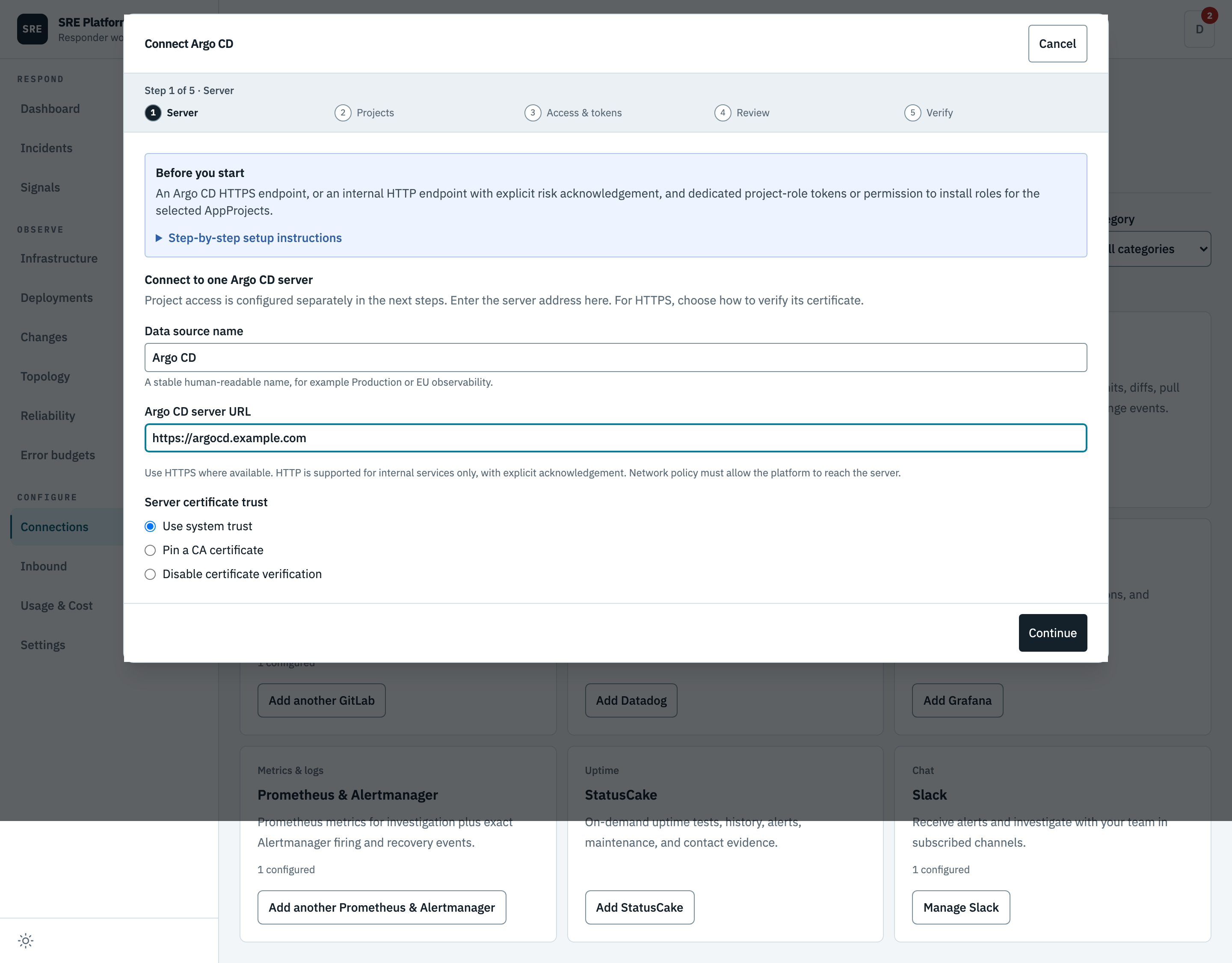
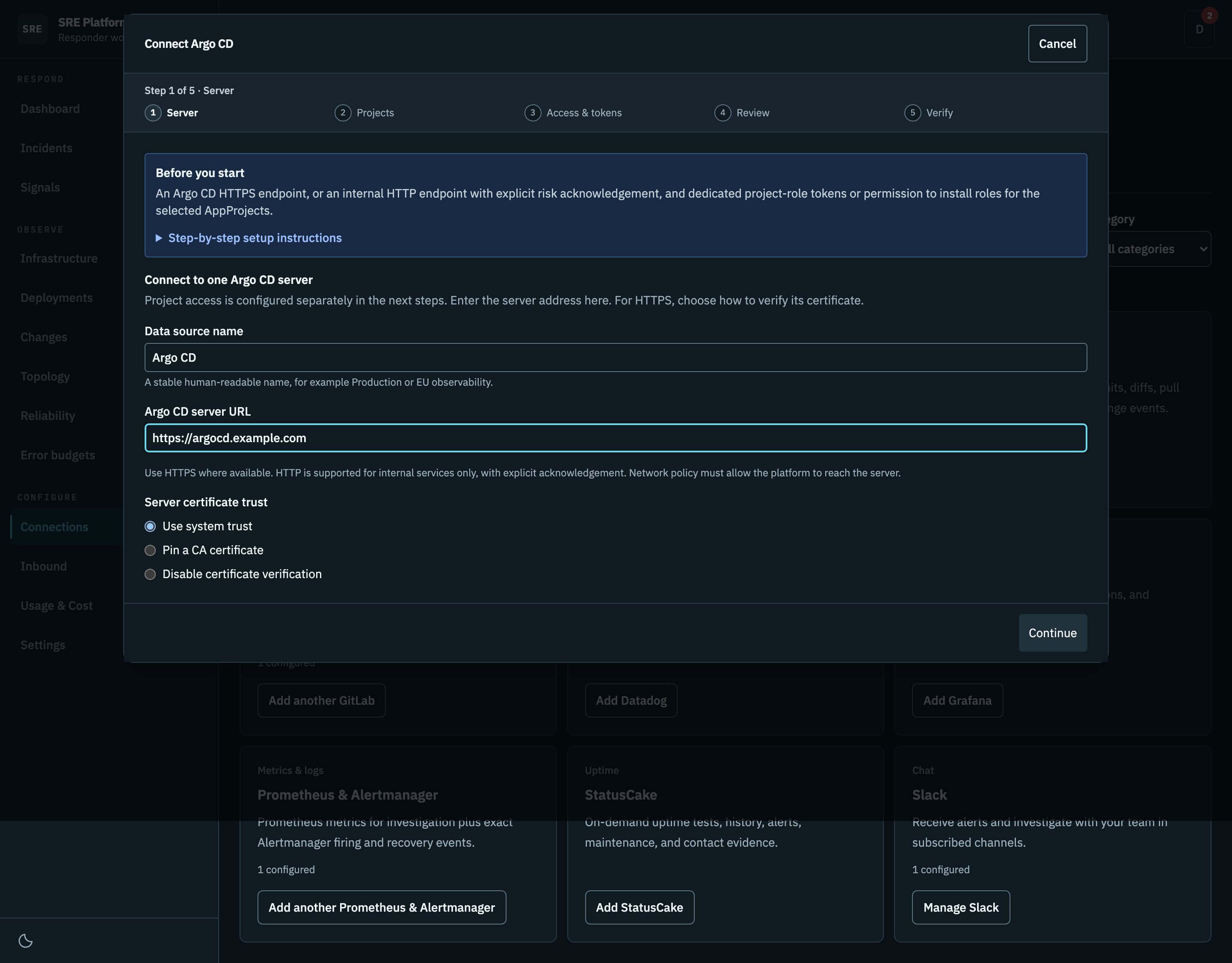
Your Argo CD address, and whether to trust the system certificate store or a certificate authority you paste.
The wizard checks the URL before continuing. For an internal service that serves HTTP, enter its HTTP URL and acknowledge that project tokens and API responses travel unencrypted. TLS controls are hidden for HTTP. Public HTTP destinations are rejected during verification, before sending a token. The platform must also be allowed to reach the service by your network policy.
For example, an Argo CD server running without TLS in the argocd namespace may use
http://argocd-server.argocd.svc.cluster.local. Verify the service name, namespace, port, and server
protocol for your installation. Changing the prefix to HTTPS does not enable TLS on the server.
Optional browser URL for links is the HTTPS address responders open in a browser, for example
https://argocd.example.com. Links to Argo CD applications, in the dashboard and in investigation
results, use it. Leave it blank when the server URL is already that address. Investigation results
link only to an HTTPS address, so with an in-cluster HTTP server URL and no browser URL they name
applications without linking them. The platform never sends requests to this address.
With Applications in any namespace enabled, investigation tools find an application's namespace from its name when only one scoped application has that name.
2. Projects
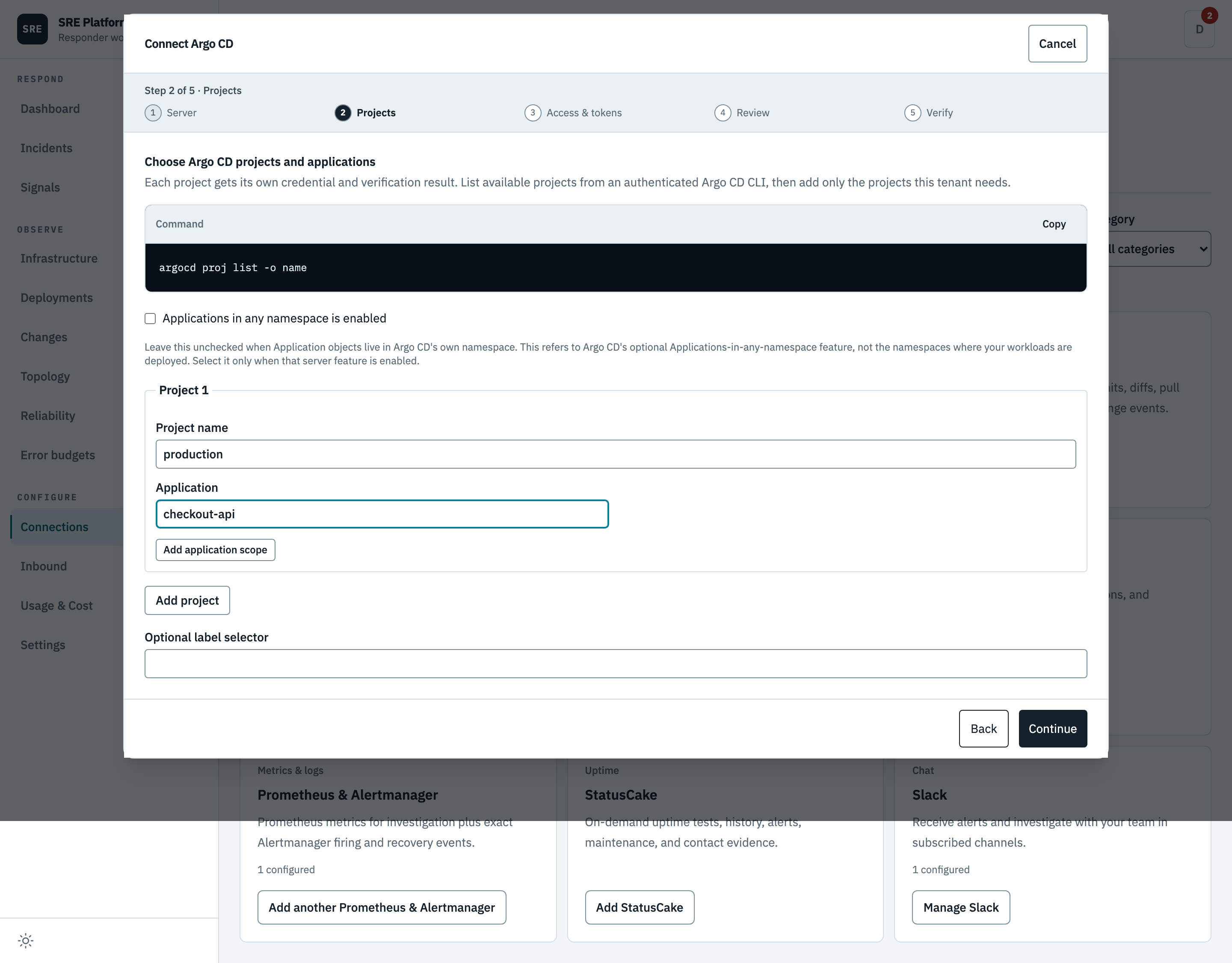
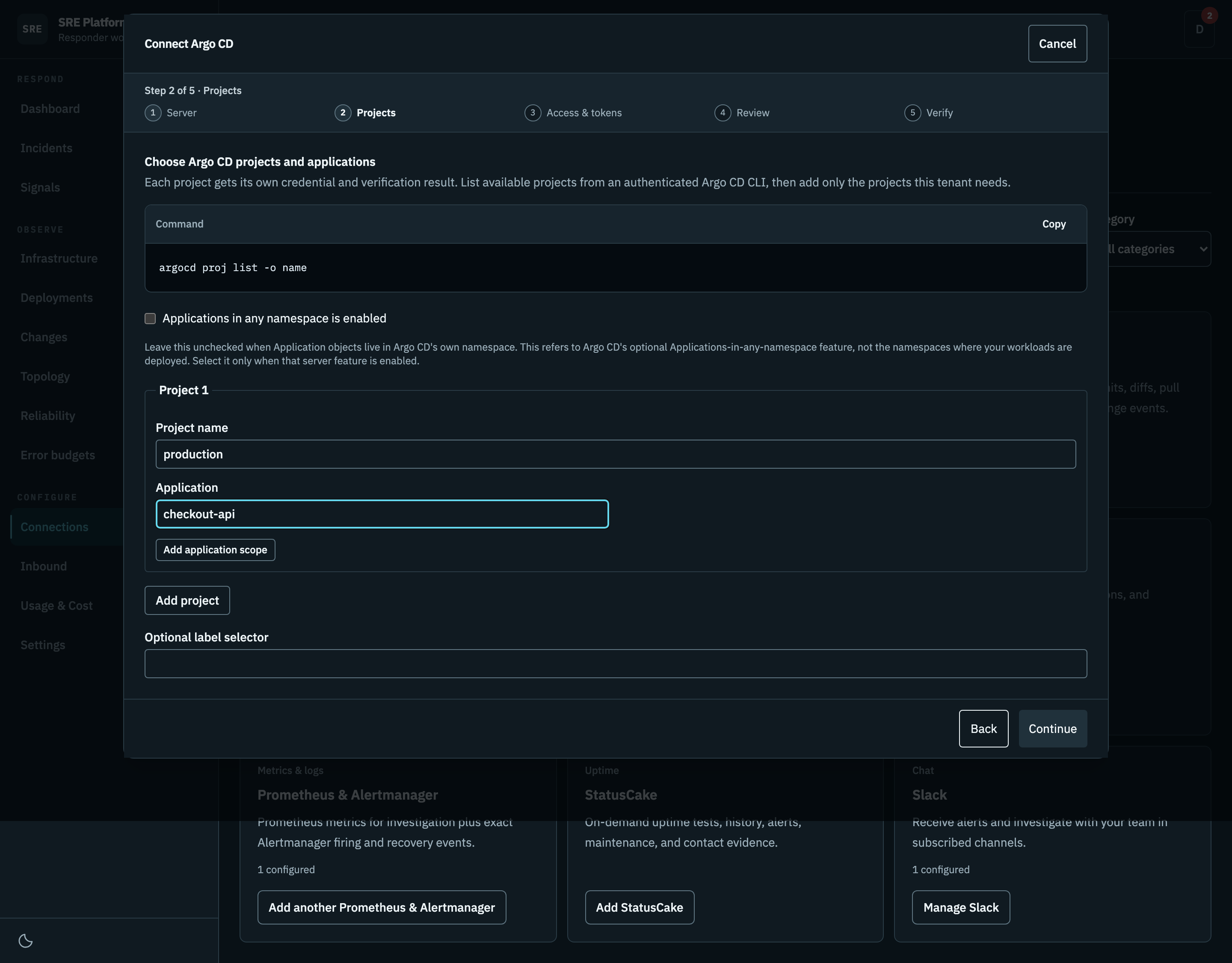
List your projects with the command the wizard shows, then add only the ones this tenant needs and
the applications each may read. Use * only when you mean it. Each project gets its own credential
and its own verification result.
3. Access and tokens
Use existing project access is the default. Enter the existing dedicated role name used in every selected project, then paste that project's token. Tokens are verified against the exact project-role identity and required permissions. No installation or uninstall commands are needed. When editing an unchanged connection, blank token fields keep the stored credentials.
Expand How to find the existing role and token under each project for copyable role-list, role-details, and token-creation commands. Commands use the project and role entered in the wizard. Run them with an authorized Argo CD CLI session connected to the server from step 1. Argo CD cannot retrieve a lost token; create a new token for the existing role instead. The command defaults to a one-year expiry. Adjust it to your policy and replace the token before it expires, because the platform does not renew pasted tokens automatically.
Each data source still needs its own role name. A role already assigned to another data source is
rejected. The legacy sre-platform role is reserved for existing connections; manage that connection
instead of adding another one. A saved connection's role cannot be renamed in the wizard.
Choose Generate dedicated access for a new role. Run each generated install command yourself, then create and paste one token per project. Installation requires Argo CD administrator access. Never delete an existing role just to reuse or rotate a token; deletion revokes access for its consumers.
You can also select Generate dedicated access when editing a saved connection. It generates instructions for that connection's saved role name, not a new identity. It always shows separate role-creation and read-policy commands. Run role creation only after confirming the role is missing; skip that step for an existing role. Adding read policies does not remove old or excessive grants. Switching between access methods keeps saved credentials and shows only one token-generation guide.
Generated access also shows role-list and role-details commands before token creation. A saved
credential does not prove the role still exists. If lookup reports a missing role, check the CLI's
server first. The role must be defined in the AppProject's spec.roles; global RBAC policy lines
alone do not create it. Conditional installation instructions are visible in the main flow. For a
GitOps-managed project, update its source manifest instead of making a change reconciliation may
remove. Preserve the rest of the project, confirm the role exists, then generate a fresh token.
The neutral Credential saved badge means only that the platform stores a credential. It does not mean the role exists, the token is valid, or verification passed. Leave the token field blank to keep that credential, or paste a replacement. Verification reports access separately.
4. Review
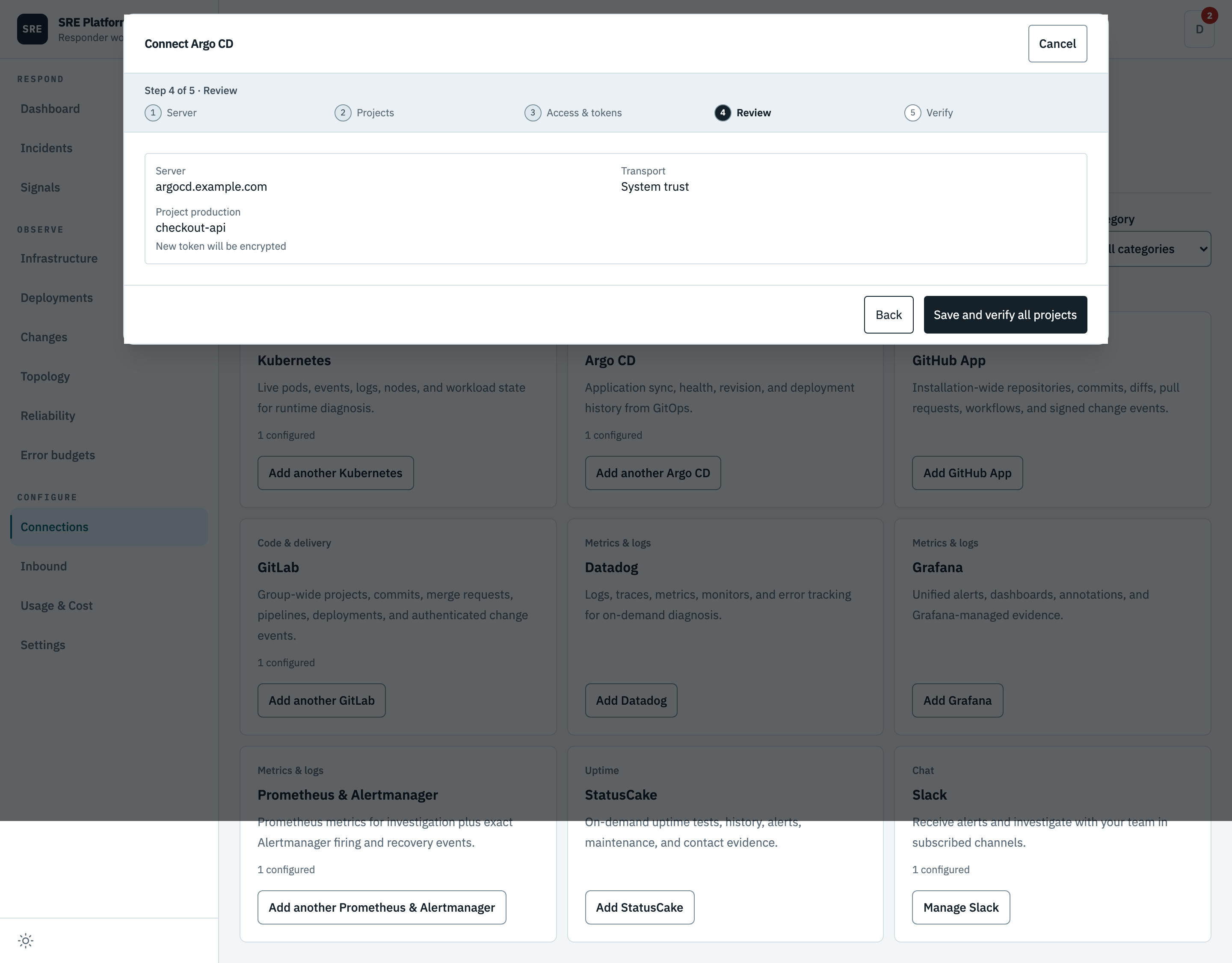
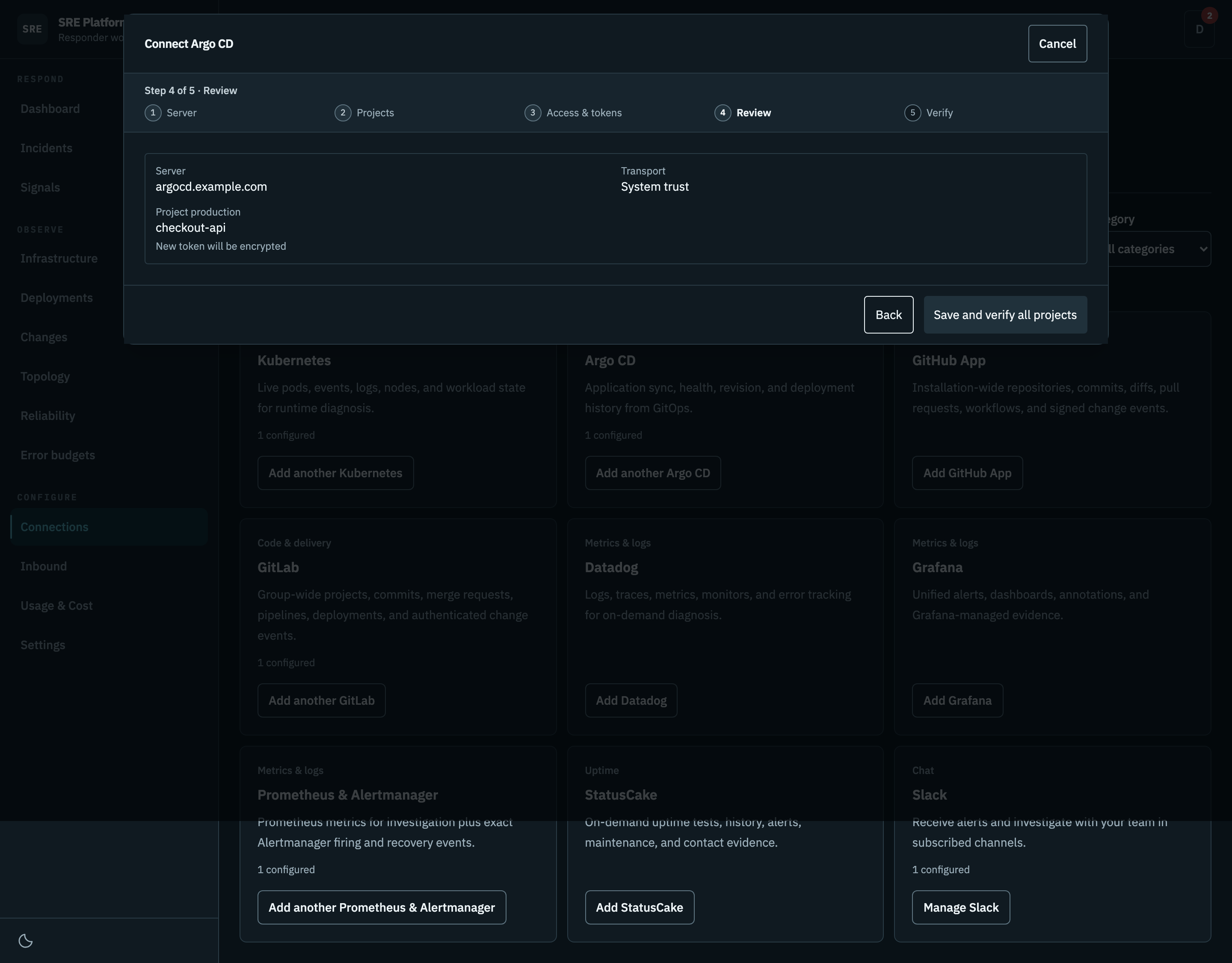
Every project and application scope, with no tokens shown.
5. Verify
Runs per project. Polling starts only once every project passes every check; until then the connector stays off.
If verification fails, choose Edit configuration to return to Projects without closing the wizard. Your draft is kept. Use Back to change the server, or continue through Access and tokens and Review to save and verify again. Close leaves the disabled connection saved for later.
This step runs against your real system, so it is not pictured here.
Why it is set up per project
The access the wizard creates is an Argo CD project role governed by Argo CD's own permission model. It does not create a global account and does not touch the Argo CD installation's own configuration, so redeploying Argo CD will not wipe it out and it stays owned by the project rather than by the platform.
Each role grants exactly two permissions inside its project: read an application, and read its logs. No project, cluster, repository, write, sync, override, action, or exec access. The wizard gives you the uninstall command alongside the install one.
Every data source gets its own uniquely named role, so two sources covering the same project keep their tokens and their policy changes separate.
What it can read
Every tool is read-only:
| Tool | What it does |
|---|---|
list_applications |
List scoped ArgoCD applications across every connected project. |
get_application |
Get one scoped ArgoCD application. Project is required to choose its credential. |
get_resource_tree |
Get the live resource tree for one scoped ArgoCD application. |
get_managed_resources |
Get the live-versus-desired diff for one scoped ArgoCD application. |
get_application_events |
List Kubernetes events for one scoped ArgoCD application. |
get_application_logs |
Read bounded pod logs for one scoped ArgoCD application. |
api_get |
GET a safe non-Application ArgoCD API endpoint with one project credential. |
The first investigation pass looks up the application named like the incident service. When no scoped application has that name, it falls back to applications whose destination namespace is a namespace the incident's resources resolved to or, when none resolved, one named by the alert itself, listing at most ten and counting the rest.
Discovery also records the images each pod in an application's resource tree runs, on that pod alone, so one workload never inherits a sibling's images. An image's registry path becomes a declared application source only when a connected GitLab project's container registry prefix claims it, as described in Source evidence. Helm chart registries are never treated as source repositories.
Argo CD's own permissions are not the only thing standing between a tool and an application it should not see. The platform checks the returned application against your saved scope as well, and filters lists locally, so a permissions mistake on the Argo CD side does not become a data leak here.
The address must be HTTPS or internal HTTP and must not carry credentials, query parameters, or a fragment. HTTP requires every resolved address to be in RFC1918, CGNAT, or IPv6 unique-local space. HTTP requests connect to the validated IP and retain the original Host header, preventing a second DNS lookup from redirecting plaintext credentials to a different destination. Private network addresses are allowed, but loopback, link-local, cloud metadata, and unsafe IPv6 addresses are refused. Every request stays pinned to the address that was validated, times out after eight seconds, and refuses to follow a redirect.
What verification checks
Saving creates a draft that is switched off. Verification then proves, in order:
- The token belongs to the dedicated non-administrator account you configured, and that account is enabled with API-key access only.
- Every application read you configured is actually permitted.
- Mutation and exec are not permitted.
- A sample of access outside your configured scope is refused.
- A scoped application listing succeeds.
Step 4 catches the common mistake of a broad default policy granting more than intended, which no deny rule can take back. It is a sample, not a proof: the platform reports required reads and detected over-grants separately and never claims to have proven least privilege exhaustively. That is why scope is enforced locally on every read as well.
Authentication, certificate, and permission failures are reported as distinct problems, and any of them keeps the connector switched off. Provider responses, tokens, manifests, and certificates are never used as health telemetry.
Secrets in manifests
One tool returns live and desired Kubernetes manifests, and a live secret contains its data. Argo CD
masks secret values itself, but that masking has a
known bypass in the ServerSideDiff endpoint
(Argo CD 3.2.0 through 3.3.8), so the platform does not rely on it. The generic passthrough refuses
server-side-diff paths, and the drift diff tool returns a Secret only by its kind, namespace and
name, without its live or desired state.
The platform does not redact manifests. Each manifest is parsed and its bulky bookkeeping
(managedFields, the last-applied annotation) is dropped, but config values and container
environment values are returned as Argo CD sends them, so they reach the model provider, the
evidence store, and Slack. A manifest that will not parse is returned as text.
The generic passthrough tool still refuses every endpoint that can return a manifest and points the model at the drift diff tool. Application list and detail endpoints are refused too, because an application can carry inline chart values and plugin environment values. Responses are size-capped before they are parsed.
Polling and history
Each poll makes one bounded, scoped listing.
Current Application state is cached without a revision identifier, so an in-progress operation can never be recorded as a completed deployment. Completed history is written as deployment records keyed by an identity Argo CD cannot change, so a renamed application does not duplicate its own history.
What history keeps: the ordered revisions, the outcome, start and finish time, who triggered it, and a link back to the Argo CD interface. What it does not keep: the destination cluster, because Argo CD's history does not record it and inventing one from current state would be a guess. The live view still shows the current destination.
Two applications deploying the same revision stay distinct records. Seeing the same history entry again updates the existing record rather than adding another.
After it is connected
Tokens are encrypted and write-only. The platform will never show one back to you. Editing is designed so you do not have to re-paste everything:
- Leave a project's token blank and the stored one is kept.
- Paste a new one and only that project rotates.
- Remove a project and its token is deleted.
- Add a project and it needs its own token.
Changing the server address requires fresh tokens for every project, so a stored token can never be replayed against a different Argo CD.
For certificates, use system trust or paste a certificate authority. Later edits report only that one is configured, never its contents. Turning certificate verification off is a last resort: the platform refuses to save it without an explicit acknowledgement of the risk, and it is always reported as bypassed, never as verified.
Disconnect removes the configuration, deletes every encrypted token, and stops polling. Cached state is dropped immediately, and an edit or a failed verification drops it too, so stale state cannot be served after a change.
It cannot revoke the tokens on the Argo CD side. If you want the roles and tokens gone there as well, run each project's uninstall command from the Manage wizard before you disconnect.