GitHub
Works through a GitHub App you install. One App may expose hundreds of repositories: the platform catalogs all of them and reads only the ones relevant to an incident.
It talks to https://api.github.com and nowhere else. GitHub Enterprise Server is not supported
yet.
What it adds to an investigation
How it is wired
flowchart LR
    Hub["GitHub"] -->|"webhook, pushed<br/>as it happens"| Events["Deployment events,<br/>stored durably"]
    Hub -->|"polled on a schedule"| Snap["Recent repository<br/>activity"]
    Hub -->|"asked during an<br/>investigation"| Tools["Read-only tools"]
    Events --> Pages["The Deployments and<br/>Changes pages"]
    Snap --> Pages
    Tools --> Thread["Evidence in the<br/>incident thread"]
Three paths. The webhook is the one that matters for timing: a deployment that arrives by webhook is recorded at the moment it happened, which is what makes lining it up against an alert meaningful. The poll is a backstop, and the tools are called only during an investigation.
Before you start
| You need | Why |
|---|---|
| A dedicated GitHub App | Sharing one ties two products' permissions and failure modes together |
| Permission to install it on the account | The catalog is whatever the App can see |
| A public HTTPS address, in a deployed environment | For signed event delivery |
Do not reuse an App that already runs a pull-request or issue bot. Sharing a private key and webhook secret ties the two products' permissions, trust, and failure modes together.
Permission and event contract
| Capability | Level | Why |
|---|---|---|
| Contents | Read, required | Commit history, diffs, source search, and file reads |
| Pull requests | Read, optional | Change and review context |
| Actions | Read, optional | Workflow runs, failing jobs, and bounded logs |
| Deployments | Read, optional | GitHub deployment evidence when the organization uses it |
The App subscribes to push, pull_request, workflow_run, deployment, deployment_status, and
repository. Installation and repository-membership events maintain the grant itself.
Connect it
Open Connections, choose Add connection, then Add GitHub App. Five steps, and you connect an App installation rather than a repository. The catalog and the shape every wizard shares are in Set up a connector.
1. App
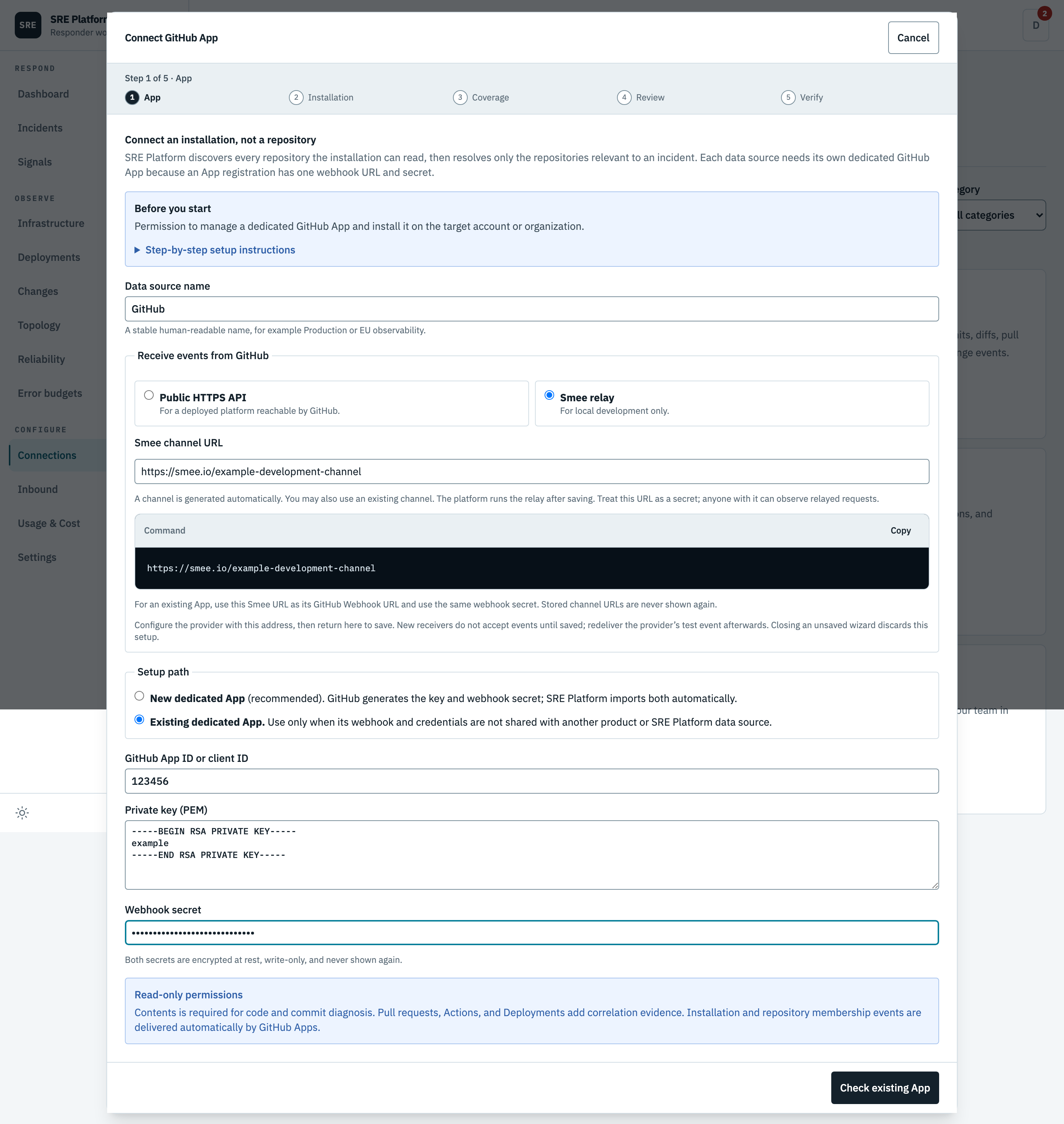
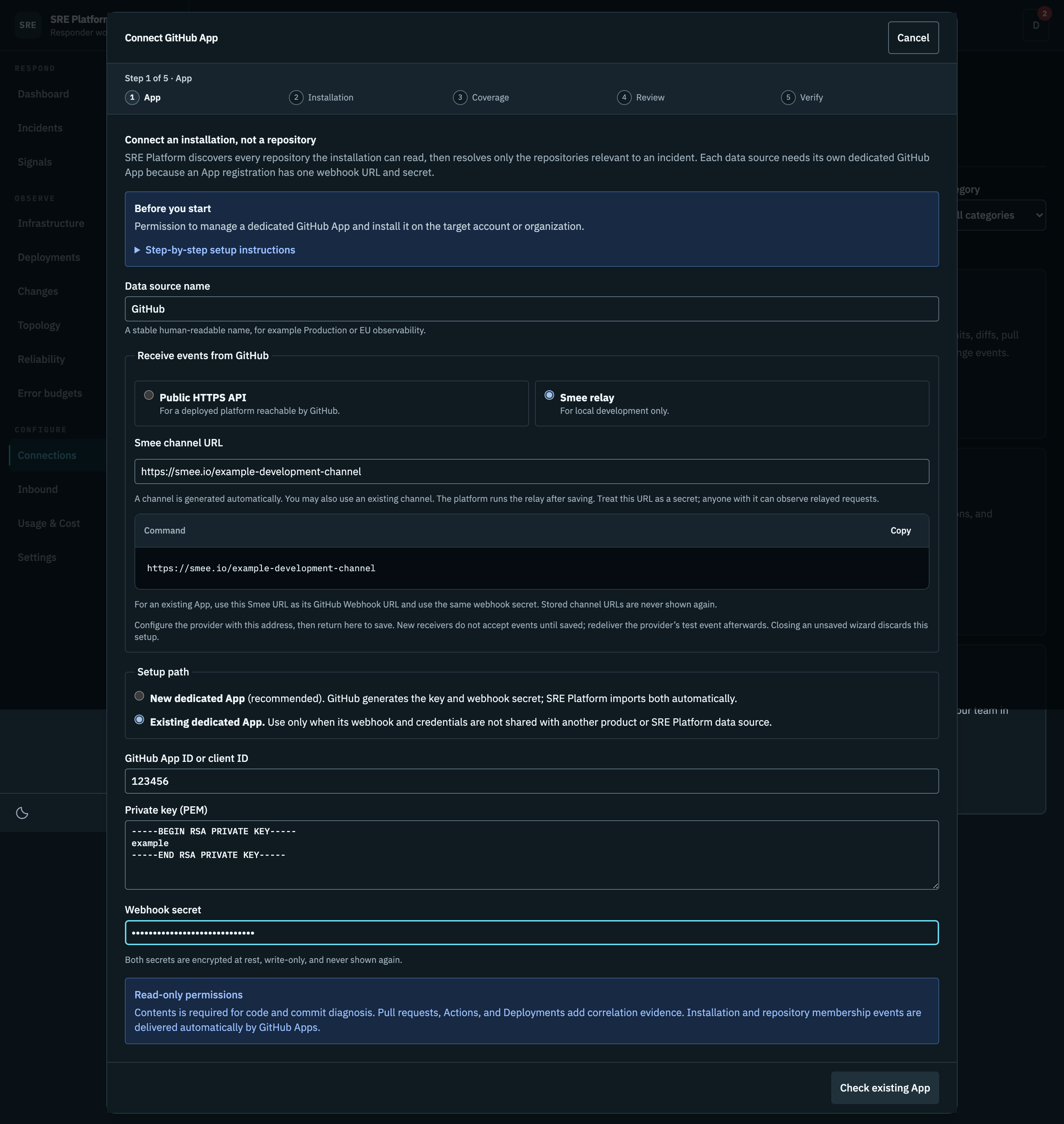
Name the connection, choose the App owner, and choose the event transport. Local development uses a private relay channel; a deployed environment uses the API's public HTTPS origin.
Create dedicated GitHub App is the normal path. GitHub's App Manifest screen shows the exact permissions and events before creation, and on return the platform exchanges the one-time code and stores the generated private key and webhook secret, encrypted together and never shown back to you. Each data source needs its own App, because an App registration has one webhook URL and one secret.
The screenshot shows the alternative Existing dedicated App path, which takes an App ID, private key, and webhook secret directly. Use it only when that App's webhook and secret are not shared with another product.
Existing App: field-by-field setup
- Open the App owner's account or organization Settings → Developer settings → GitHub Apps, then Edit the dedicated App. Do not use an App whose webhook is used by another integration.
- Copy App ID or Client ID into GitHub App ID or client ID. This is not the installation ID, an OAuth client secret, or a personal access token.
- Use an existing private-key PEM for this App, or choose Generate a private key under Private keys if you no longer have it. Paste the entire PEM file into Private key (PEM), including the begin and end lines. Keep the file secret.
- Reuse the existing webhook secret, or choose a random one of at least 16 characters. Enter the same value in this wizard and the App's Webhook secret field. Neither product can recover a forgotten secret for you; replace it on both sides if necessary.
- Under Permissions & events, grant the read permissions listed above. Install the App on the account and repositories you want to investigate. Accept installation permission changes if you edited an existing App. Write permissions are rejected except Issues when you explicitly enable issue management below.
- Choose Public HTTPS API for a deployed platform. The webhook address is generated from the platform's deployment configuration. There is no API URL to enter. If public delivery is unavailable, ask the platform administrator to correct the deployment's public HTTPS API URL.
- Copy the GitHub webhook URL shown in the delivery section into the App's Webhook URL field. It is available before saving and stays the same when you save. Do not invent its path or enter only the API origin. Keep SSL verification enabled. Then choose Check existing App, select the installation, review coverage, and save in SRE Platform.
- Subscribe to Push, Pull request, Workflow run, Deployment, Deployment status, and Repository events. From Advanced → Recent Deliveries, redeliver a ping. Confirm the first signed event appears on the connector card, separately from code-access verification.
An existing saved connection shows its webhook URL immediately when you open Manage, without another save. A new connection allocates its unique path during setup. If the API URL is missing or invalid, the wizard asks for an administrator to correct deployment configuration instead of offering a placeholder or a per-connector override.
For local development, choose Smee relay. The wizard creates and displays a channel automatically; copy it into GitHub's Webhook URL field. You can also enter a channel you already use. The relay starts when the connection is saved, not when the URL is prepared. Redeliver any test event sent before saving. Back/Next keeps the prepared address; closing an unsaved setup discards it. Anyone with the Smee URL can observe relayed traffic, so treat it as a development secret.
The webhook URL is not an OAuth Callback URL. An existing App uses installation credentials for this connector, not an interactive GitHub user sign-in flow. The new dedicated App path configures its manifest return flow automatically.
See GitHub's App registration guide and private-key guide.
For local development the relay channel is stored with the credential. Saving starts its relay immediately, editing the channel replaces it, disconnecting stops it, and startup restores saved relays. No separate command or restart is needed.
2. Installation
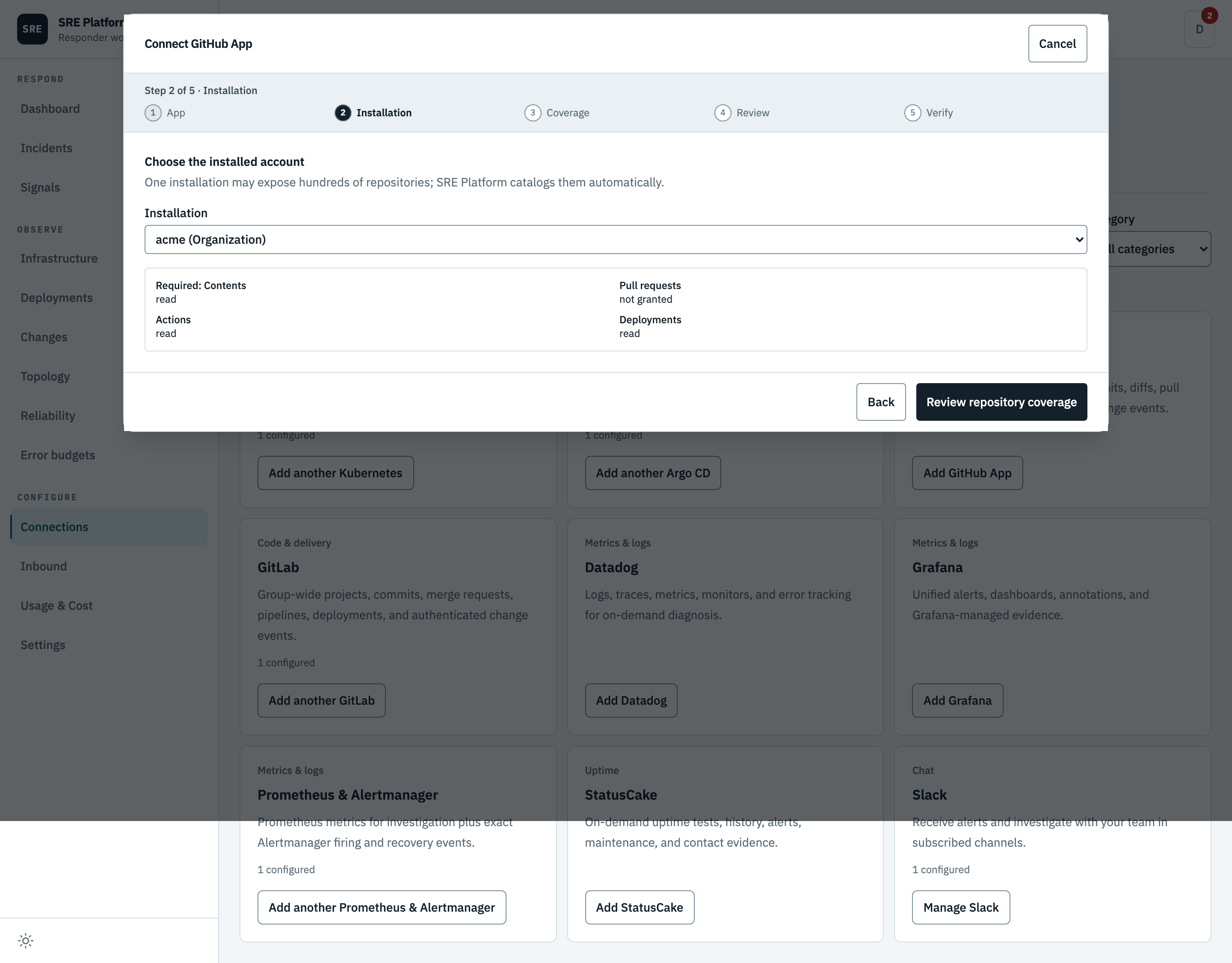
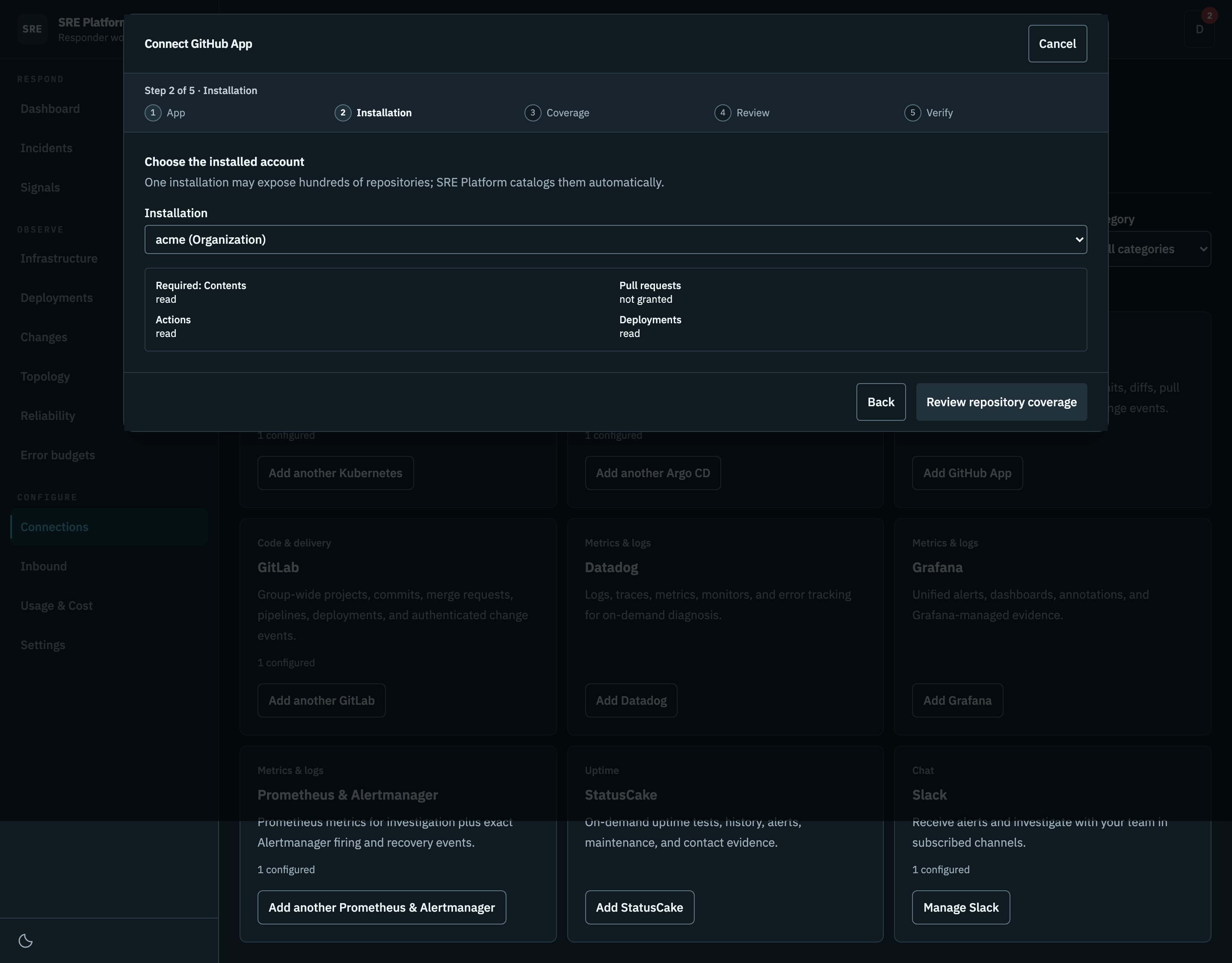
Install the App for all repositories responders may need, or a managed subset, then choose the installed account here. The panel shows which permissions that installation actually granted, and warns about write permissions. Only Issues write can be enabled for confirmed issue management.
3. Coverage
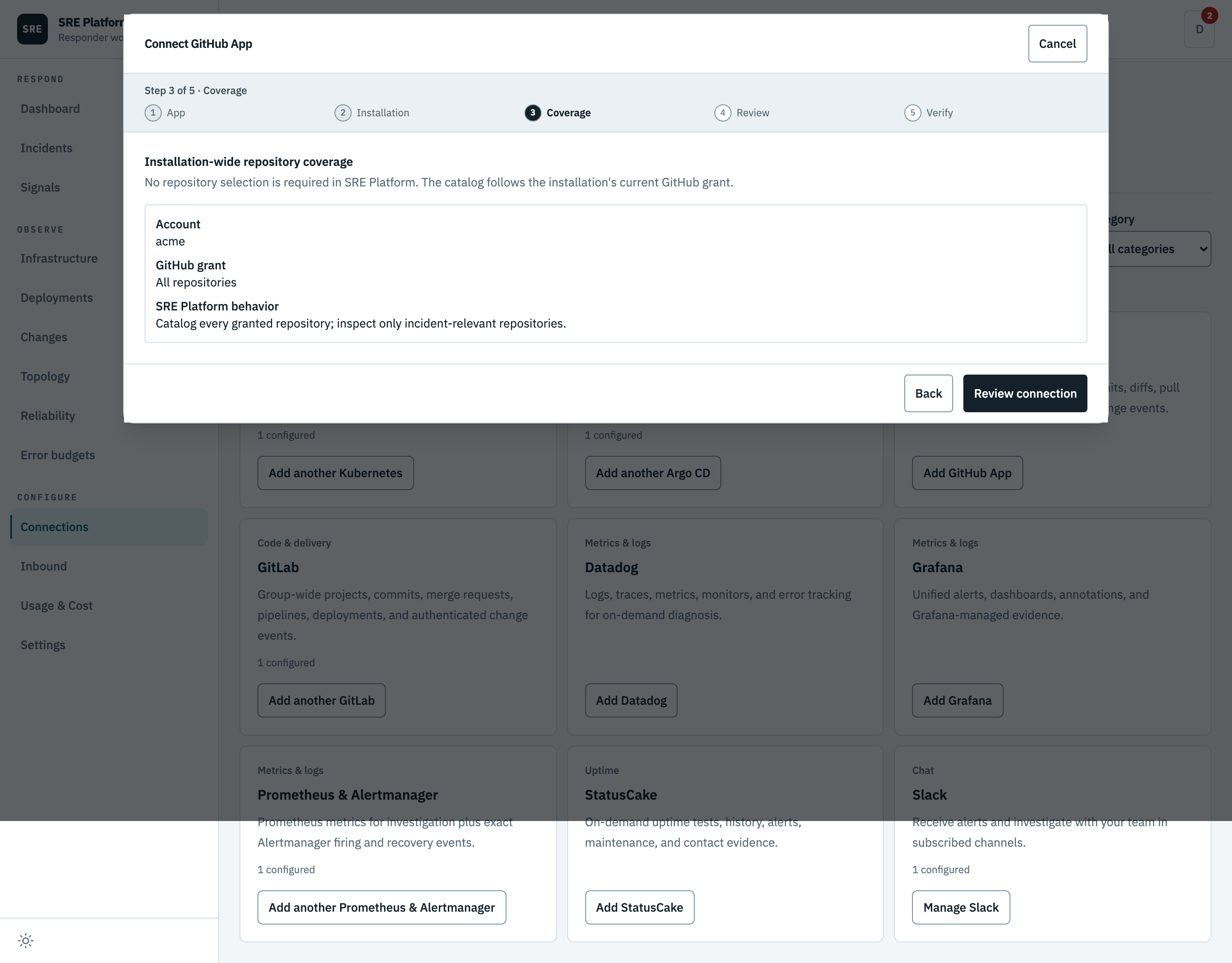
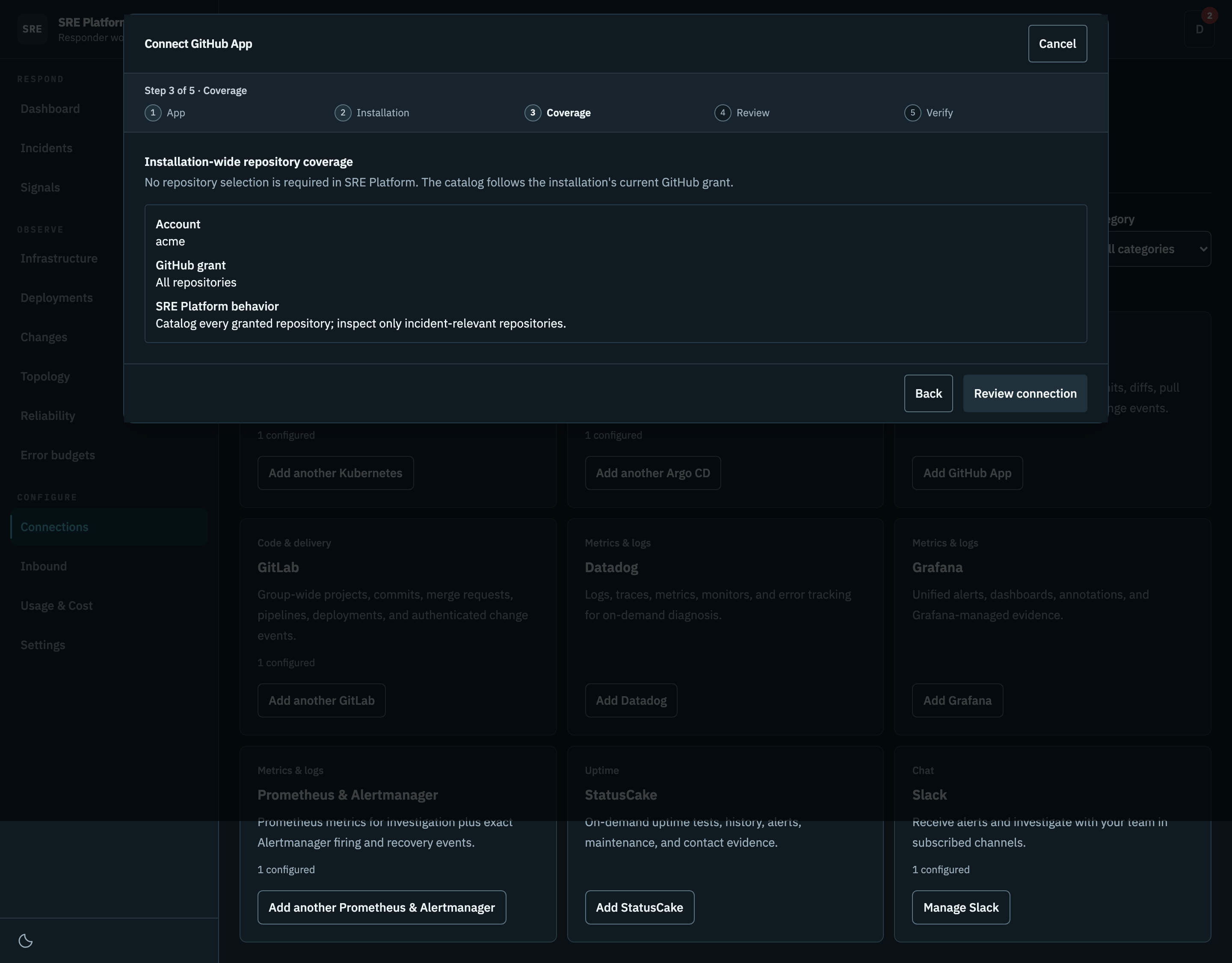
The read catalog follows the installation's current GitHub grant. Issue writes use a separate explicit repository allowlist below.
Optional issue management
Issue reads need the App's Issues → Read-only permission. New Apps request this automatically; update an existing App's permissions and accept the change for its installation.
To allow changes:
- In GitHub App Permissions & events → Repository permissions, set Issues → Read and write.
- Save and approve the installation's updated permissions. Keep other permissions read-only.
- In SRE Platform's connection coverage step, enable Allow confirmed issue changes.
- Enter allowed full repository paths, one per line, then save and verify the connection.
Only catalog repositories on this list can be changed. Each issue request uses a token restricted to one repository and Issues permission. Investigation tools remain read-only. See repository issues for the confirmation flow.
4. Review
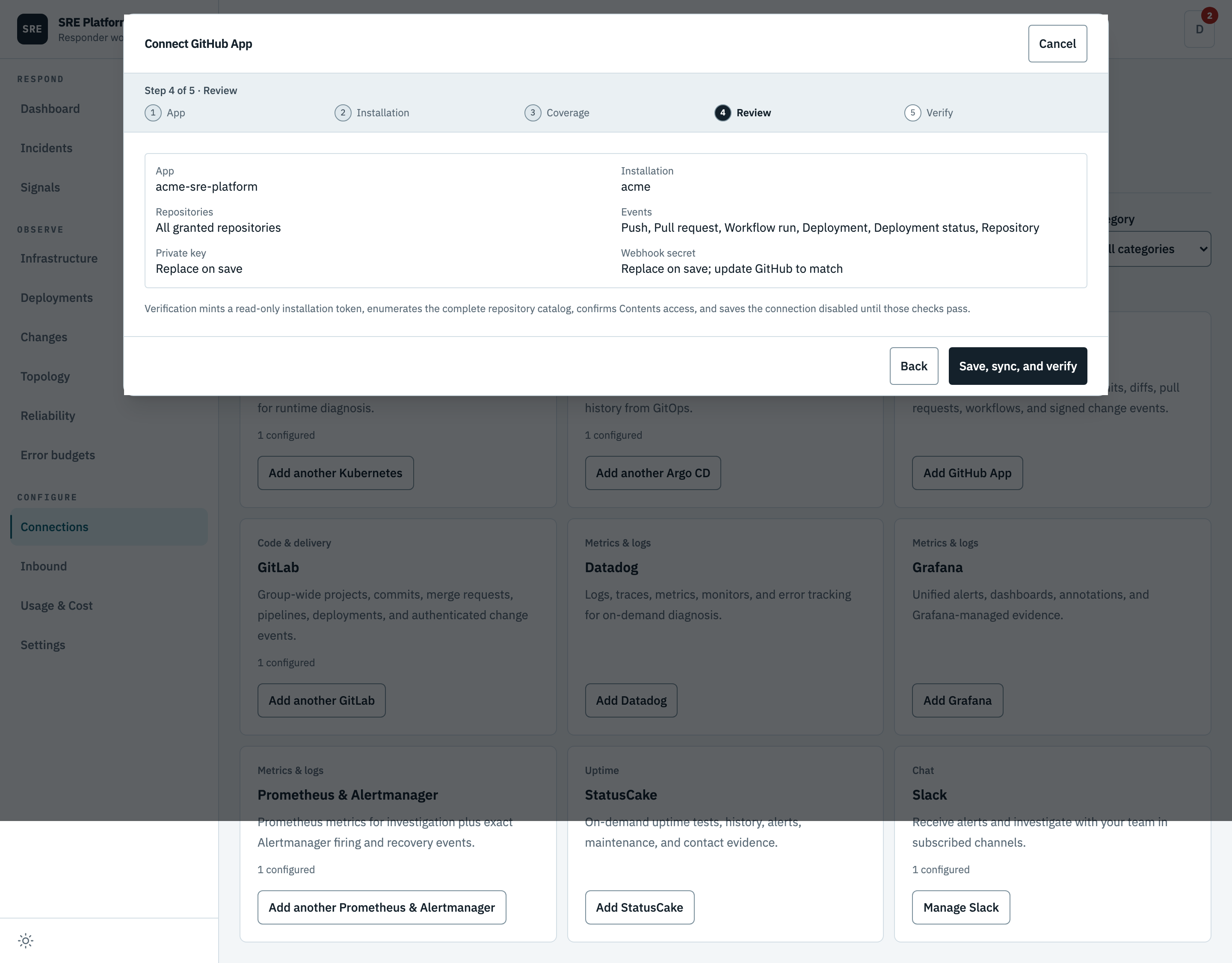
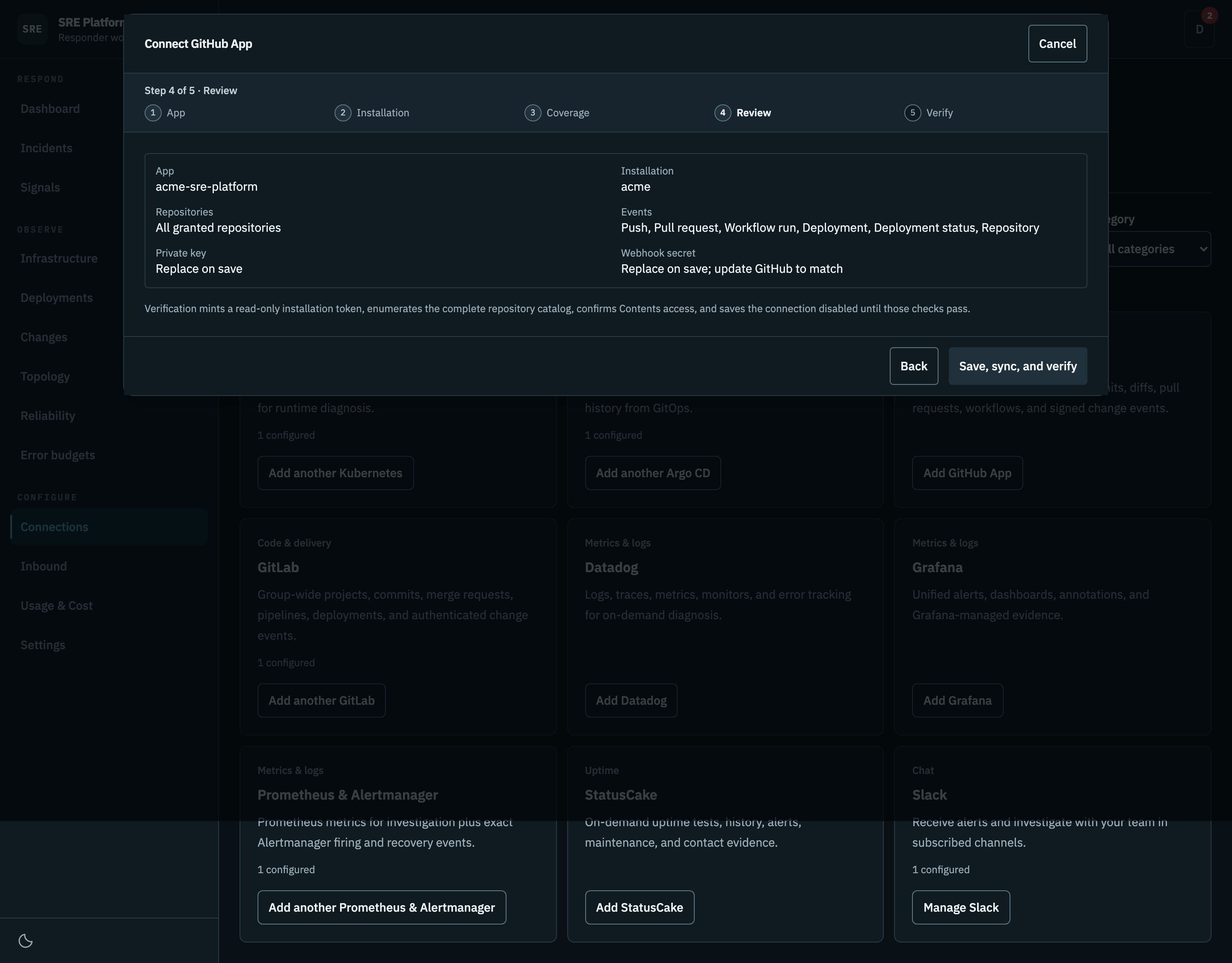
The App, the installation, its coverage, and the event transport.
5. Verify
Mints a read-only token, lists what the App can see, and requires read access to repository contents. If those checks fail the connection stays switched off. A missing optional permission is a visible warning, not a failure.
This step runs against your real installation, so it is not pictured here.
Repair an existing connection
Open the saved connection's setup. The Repair this connection section offers two independent write-only replacements. Blank fields keep the stored values; no secret is read back into the form.
- Repair webhook delivery: check the destination URL, then set a matching webhook secret in the GitHub App and SRE Platform. Use at least 16 characters. A signature failure alone does not require replacing the App private key. A saved Smee channel is not displayed; enter a different channel only when intentionally changing the destination on both sides.
- Replace private key for API access: generate a key in the same GitHub App and paste its PEM. This is for API authentication failures, for example a revoked key. It does not change App identity.
Check the current installation, review coverage and the pending replacements, then Save, sync, and verify. Failed verification offers Edit configuration, retaining entered values for correction and retry. Replacing a webhook secret interrupts delivery until both ends match.
After saving, open the GitHub App's Advanced → Recent deliveries and redeliver an event. Installation access, configured secrets, and a connected Smee relay do not prove signed delivery; check event-delivery evidence on the connection card. See GitHub's redelivery guide and signature troubleshooting.
What it can read
Every tool call is a read. The one non-read request the connector makes is minting the short-lived installation token described below, which is not reachable from a tool.
| Tool | What it does |
|---|---|
api_get |
GET a read-only REST endpoint beneath one repository. The path must start with the same repos/OWNER/REPO selected by repo, so the incident-scoped token cannot be used elsewhere. |
resolve_repositories |
Resolve the repositories associated with an incident service from confirmed topology, Argo CD source evidence, and exact catalog matches. |
search_repositories |
Search the installation-wide repository catalog by owner/name when service resolution is ambiguous. Returns bounded metadata, not repository contents. |
list_recent_events |
List synchronized push, pull-request, workflow, and deployment evidence for selected repositories since an ISO timestamp. |
list_commits |
List recent commits for a repo (newest first). Filter by sha/branch (sha), path, author, and since/until ISO timestamps. |
get_commit |
Get one commit with its author, message, parent revisions, changed files, and patch metadata. |
compare_commits |
Compare two revisions in one repository to identify commits and files changed between the last known-good and incident revisions. A large comparison omits patches or files; to check one file, call get_content at each revision instead. |
search_code |
Search code inside one resolved repository for an error symbol, stack-trace path, configuration key, or diagnostic string. Results are bounded and repository-scoped. |
get_content |
Read one file or directory at an optional revision from a resolved repository. File content is bounded to the provider response limits and remains read-only. Text file content is returned decoded as UTF-8 (encoding "utf-8"); binary content stays Base64. A file response includes sha, the git blob SHA: the same sha at two revisions means identical bytes. |
list_pull_requests |
List pull requests for a repo. Filter by state (open/closed/all), base branch, head, and sort (created/updated/popularity). |
get_pull_request |
Get a single pull request by number (title, state, merge status, head/base sha). |
list_workflow_runs |
List recent GitHub Actions workflow runs for a repo (newest first). Filter by branch, event, status (e.g. completed/failure/in_progress), and actor. The core deploy-correlation tool. |
get_workflow_run_jobs |
List the jobs of a workflow run, each with its status, conclusion, and failing-step names. |
get_job_logs |
Fetch a workflow job log. Returns bounded plain text (last ~64K characters). Logs may contain secrets not masked by GitHub — treat as sensitive. |
search_issues |
Read up to 50 recent repository issues. GitHub query filtering covers this bounded recent page, not all history. Use get_issue for an exact number. This never writes. |
get_issue |
Read one exact issue number within an admitted repository. This never writes. |
Repository contents are not copied into the platform's database. The durable catalog holds repository identity and branch metadata, and the event store holds bounded change summaries. When an investigation needs code, the platform mints a short-lived installation token narrowed to the resolved repository and the App's current read permissions. Tokens are cached by repository scope for that investigation and are never stored.
Reading a job's logs
This is the one call that leaves GitHub's API host. GitHub redirects to a short-lived signed address on a content-delivery host, which moves around.
flowchart LR
    Call["Read job logs"] --> Api["GitHub API<br/>returns a redirect"]
    Api --> Check["Platform checks the<br/>destination is public"]
    Check --> Strip["Credential removed<br/>from the second request"]
    Strip --> Fetch["Fetch the signed address"]
The platform does not follow that redirect automatically, and it removes the credential before making the second request, so the installation token can never end up somewhere unexpected. The signed address needs no credential of its own.
Which repository belongs to which service
Argo CD Application sources automatically create a service to repository relationship. If no relationship exists, an exact case-insensitive match against the repository name or full name is used.
Ambiguous services stay explicit: the investigation can search the catalog, but it does not scan every repository or guess by fuzzy similarity. That keeps a 300-repository installation useful without turning every incident into 300 API reads. The incident workspace labels where the relationship came from and lets a responder confirm the resolved repository for that service.
Secrets in results
The platform does not redact results. GitHub never returns the value of an Actions secret. Job logs are free text and reach the model provider, the evidence store, and Slack as GitHub returns them, so keep credentials out of job output.
Repository files read with get_content come back as UTF-8 text. Binary files stay Base64 encoded.
Event delivery health
Every delivery is authenticated with X-Hub-Signature-256, bound to the configured installation,
deduplicated by X-GitHub-Delivery, and reduced to an allowlisted event summary. Raw webhook bodies
are not stored. The connector card reports the last attempted and verified delivery, the event
count, and a sanitized failure category.
After it is connected
Retest refreshes point-in-time access and the repository catalog. Repository membership changes then arrive by signed webhook.
Disconnect removes the encrypted key, the webhook secret, and the configuration. It does not uninstall the GitHub App, which must be removed in GitHub when access should be revoked.