Notifications
The account inbox keeps workspace, directory, invitation, and access changes separate from incident response. Open it from Account menu → Notifications. The unread badge is shared by the menu and the inbox, so both update together.
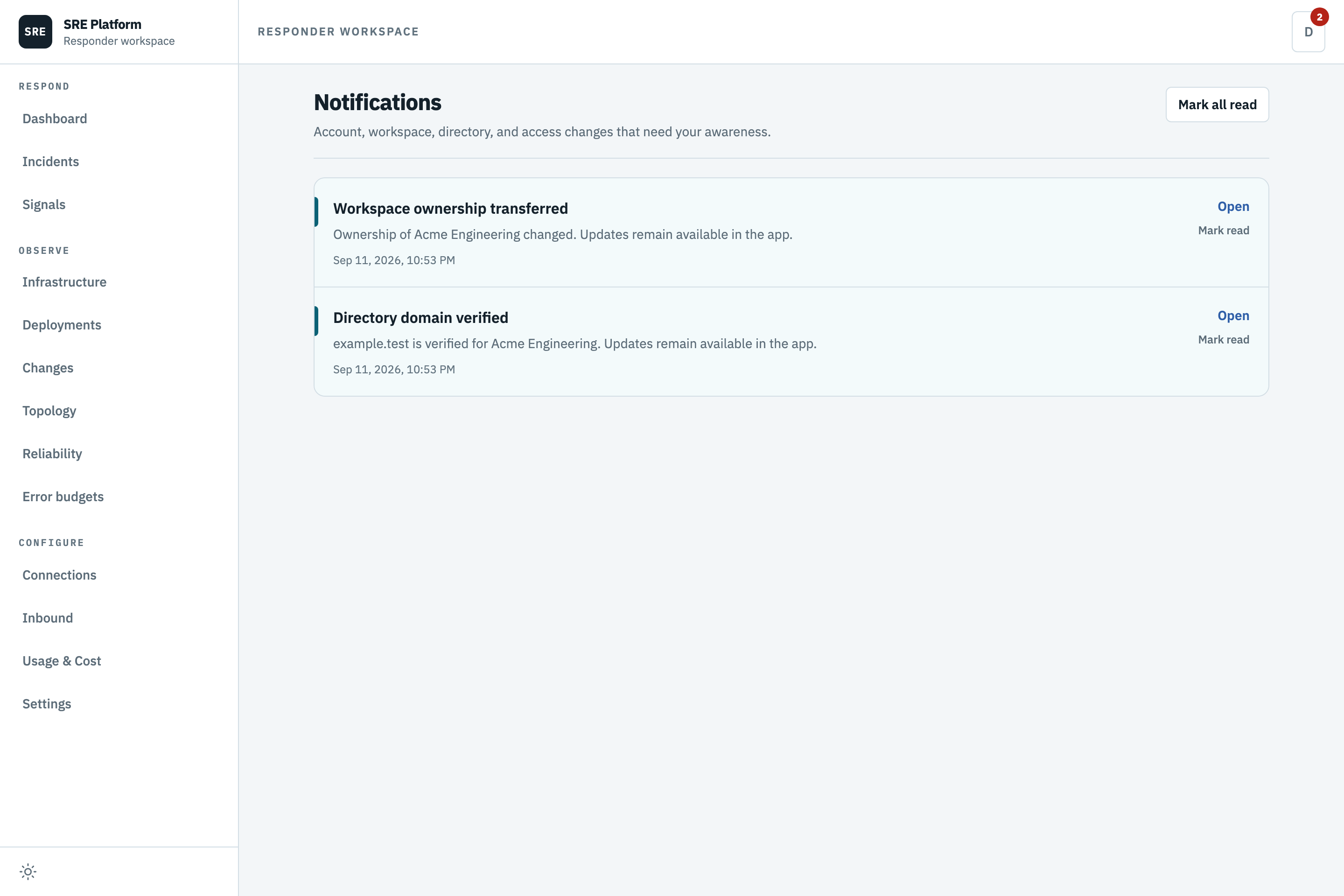
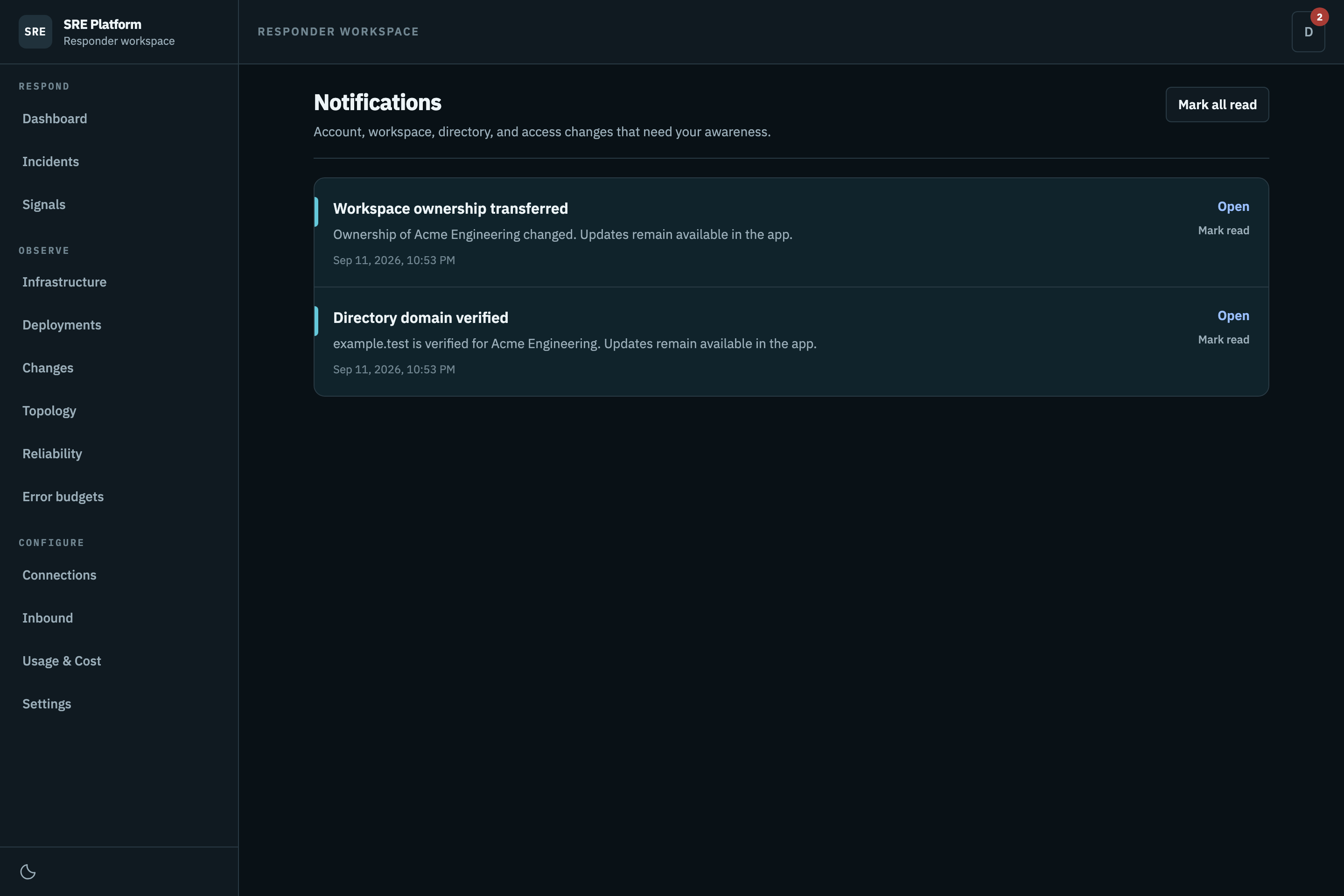
Each event is written to the database before optional email delivery is attempted. A mail failure therefore cannot lose the in-app record. Mark one event read from its row, or clear the current unread count with Mark all read.
The first 50 newest events load with the page. Load older uses a stable cursor rather than an offset, so new arrivals do not shift or duplicate older pages. The inbox refreshes when the window regains focus and every 60 seconds while it remains open.
Platform operators configure the optional email copy under Platform administration → Platform settings → Notification email. See Platform settings for delivery and secret handling.